Why are holidays important?
Holidays block appointment bookings on those days. When you add a holiday, the AI assistant will not offer or book appointments for that date. This is essential for national, regional, and local public holidays in your area.
Step 1 — Go to the Holidays section
Open your clinic panel and click «Festivos» in the side menu. Then click the «Nuevo festivo» button.
Step 2 — Enter the date and description
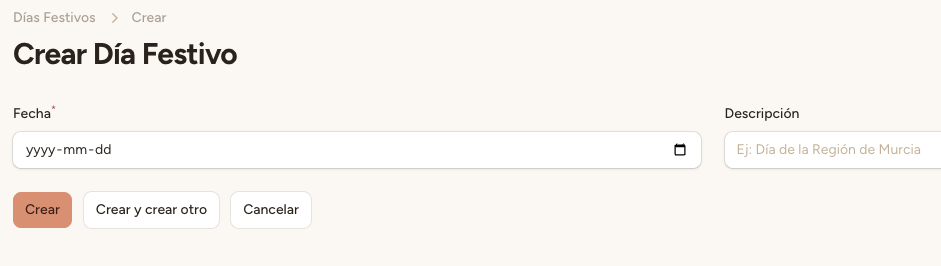
Select the holiday date using the calendar picker and add a clear description, for example: «Constitution Day», «Christmas», «Local holiday — Algezares».
Step 3 — Save
Click «Guardar». The system will automatically update the AI prompt to include the new holiday in the list of unavailable days.
The AI prompt syncs automatically when you save a holiday. No manual action is needed: the assistant will stop offering appointments for that day immediately (it may take a few seconds to propagate).